1
Go to the OpenAI Platform
Navigate to platform.openai.com. If you don’t already have one, create an account.
2
Open the Chat dashboard
Go to Dashboard → Chat.
3
Add a tool
Click Tools (+ Add) and select MCP Server.
4
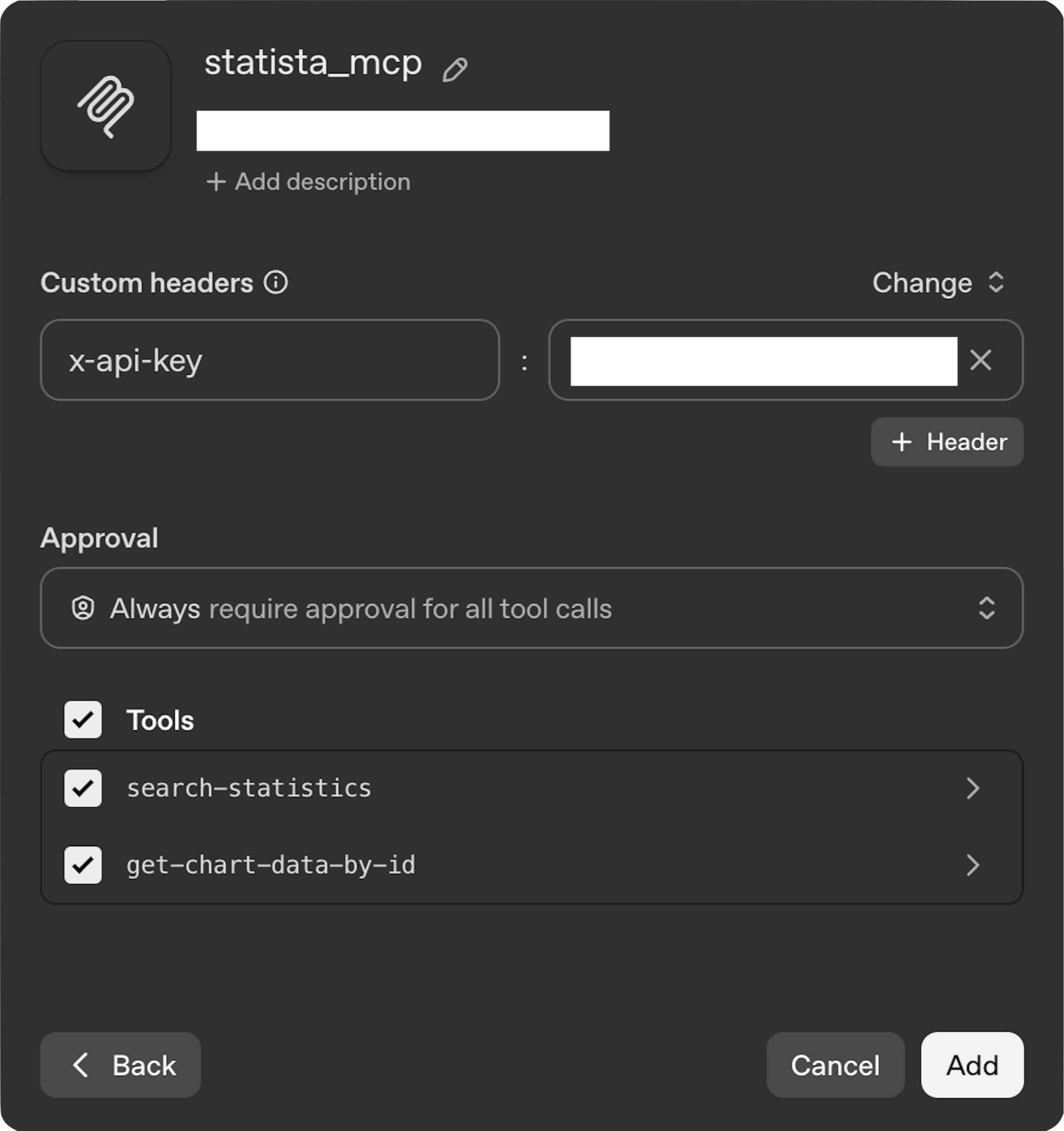
Configure the server
Add the provided URL and label.
Set authentication
Under Authentication, change to Custom Headers, set the header to x-api-key, and enter your provided API Key.